



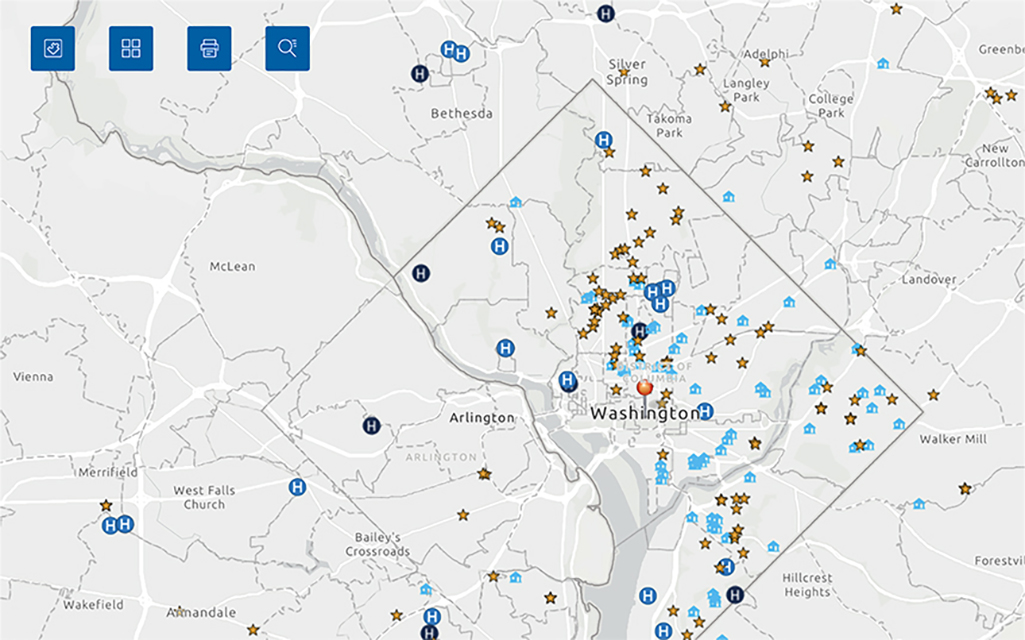
Get Started
-
VIDEO TUTORIAL
GeoCare Navigator Introductory Video
Provides a step-by-step explanation on how to use the tool and create a map. -
USER GUIDE
GeoCare Navigator User Guide
Gives a complete overview of the tool, including how to create maps for specific application types.
Additional Tutorials
-
VIDEO TUTORIAL
Recorded Tutorial 1
Includes a thorough tutorial of GeoCare Navigator's functionality and a Q&A session. -
VIDEO TUTORIAL
Recorded Tutorial 2
Includes a thorough tutorial of GeoCare Navigator's functionality similar to Tutorial 1, and a Q&A session with guidance for New Access Point applications. -
VIDEO TUTORIAL
Viewing and Filtering by Health Center
Describes how service delivery sites are displayed on the map and how to filter by health center.
Downloadable Files
| File Name | File Type |
|---|---|
| 2024 ZIP Code to ZCTA Crosswalk (Current) |
XLSX
(Approx. 1.5 MB)
|
| 2023 ZIP Code to ZCTA Crosswalk |
XLSX
(Approx. 1.5 MB)
|
| 2022 ZIP Code to ZCTA Crosswalk |
XLSX
(Approx. 1.5 MB)
|
| 2021 ZIP Code to ZCTA Crosswalk |
XLSX
(Approx. 1.5 MB)
|
| 2020 ZIP Code to ZCTA Crosswalk |
XLSX
(Approx. 1.5 MB)
|
Related Topics and Tools
-
Service Area Data
Unmet Need Score Map Tool (UNS)
Visit this map tool to evaluate service area needs and determine if an area needs a new health care service site. -
Health Center Data
Uniform Data System (UDS) Data
View the UDS pages for data on health center patient characteristics, services, and other measures.
Contact Us for Additional Support
Under "Health Center Data & Research", select "Health Center Program GeoCare Navigator (Formerly UDS Mapper)".
BPHC Contact Form